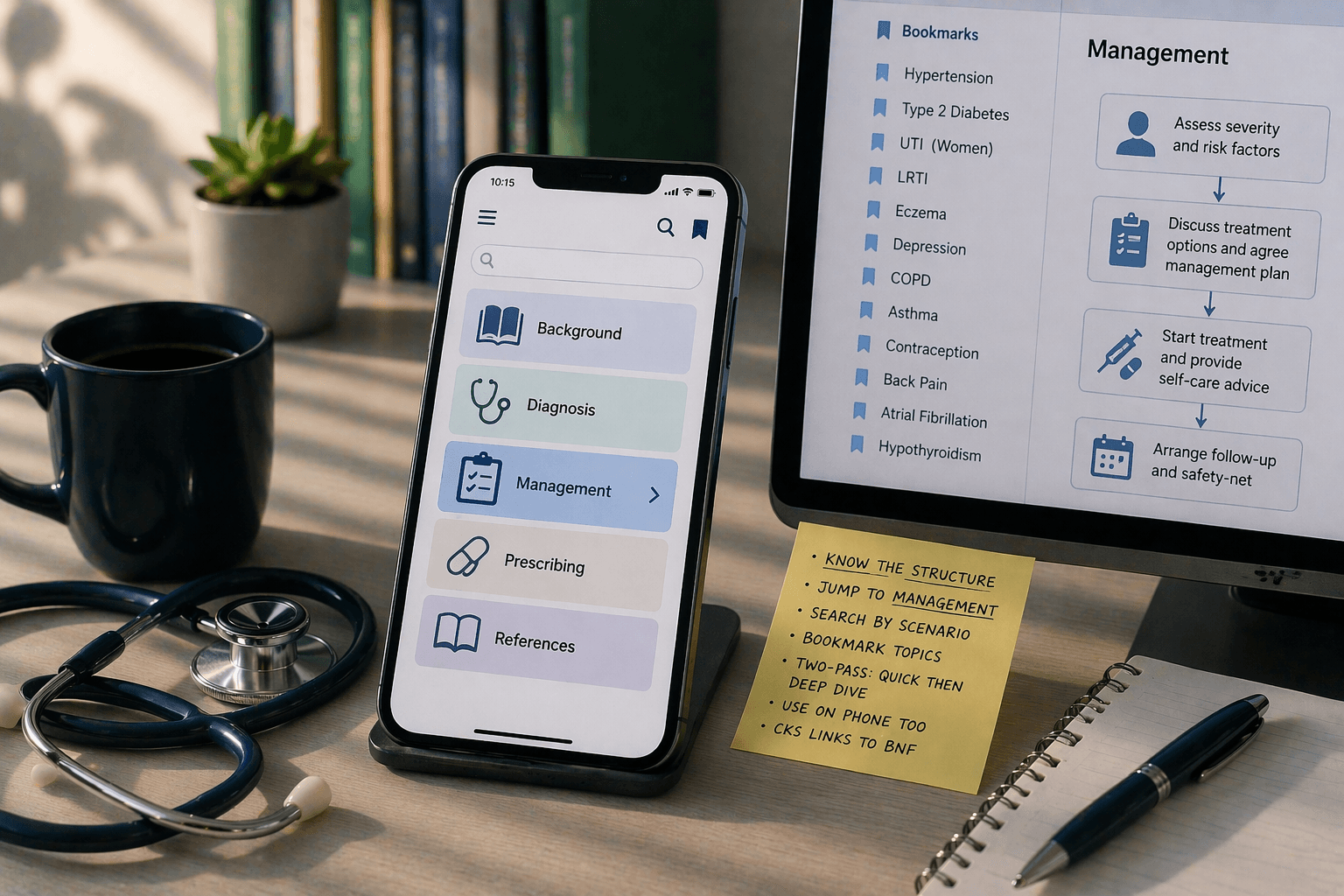
CKS is comprehensive. That is both its strength and its weakness during a time-pressured consultation. These tips make it faster.
Know the Structure
Every CKS topic follows the same structure: Background → Diagnosis → Management → Prescribing → References. During a consultation, you almost always need Management. Jump straight to it — do not read Background first.
Use Scenario-Based Navigation
CKS organises management by clinical scenario — "adult presenting with suspected UTI" navigates directly to the relevant management pathway. Search by presentation, not just condition name.
Bookmark High-Frequency Topics
You will look up the same 20-30 topics repeatedly. Hypertension, type 2 diabetes, UTI, LRTI, eczema, depression, COPD, asthma, contraception, back pain, AF, hypothyroidism. Bookmark them. Do not search from scratch every time.
Quick Reference vs Deep Dive
During a consultation: jump to Management, get the answer, move on. After the consultation: read the full topic for learning. This two-pass approach gives you speed when you need it and depth when you have time.
Mobile Access
CKS works on mobile browser. Have it ready on your consultation-room computer AND your phone. When the computer is occupied with the clinical system, use your phone for CKS.
CKS and medicines-reference integration
CKS management pages provide condition-led prescribing context. For product-specific particulars, check the relevant SmPC on eMC and use your organisation-approved medicines reference, local formulary and specialist advice where applicable.
CKS for AKT
AKT management questions align with CKS pathways. Revise from CKS — not just Q-bank explanations. When a Q-bank explanation cites a management pathway, verify it against CKS. This builds the CKS habit that serves you in both exams and clinical practice.
Where iatroX Fits
When CKS navigation is too slow mid-consultation, Ask iatroX can return a source-linked synthesis from applicable CKS guidance and relevant product SmPCs on eMC. Open the cited material and check its date, scope, product and local applicability before acting.